Atisah
V

Vibe Stack HQ

Helping young Developers & Creators build their craft and protect their mind while they do it.

Digital

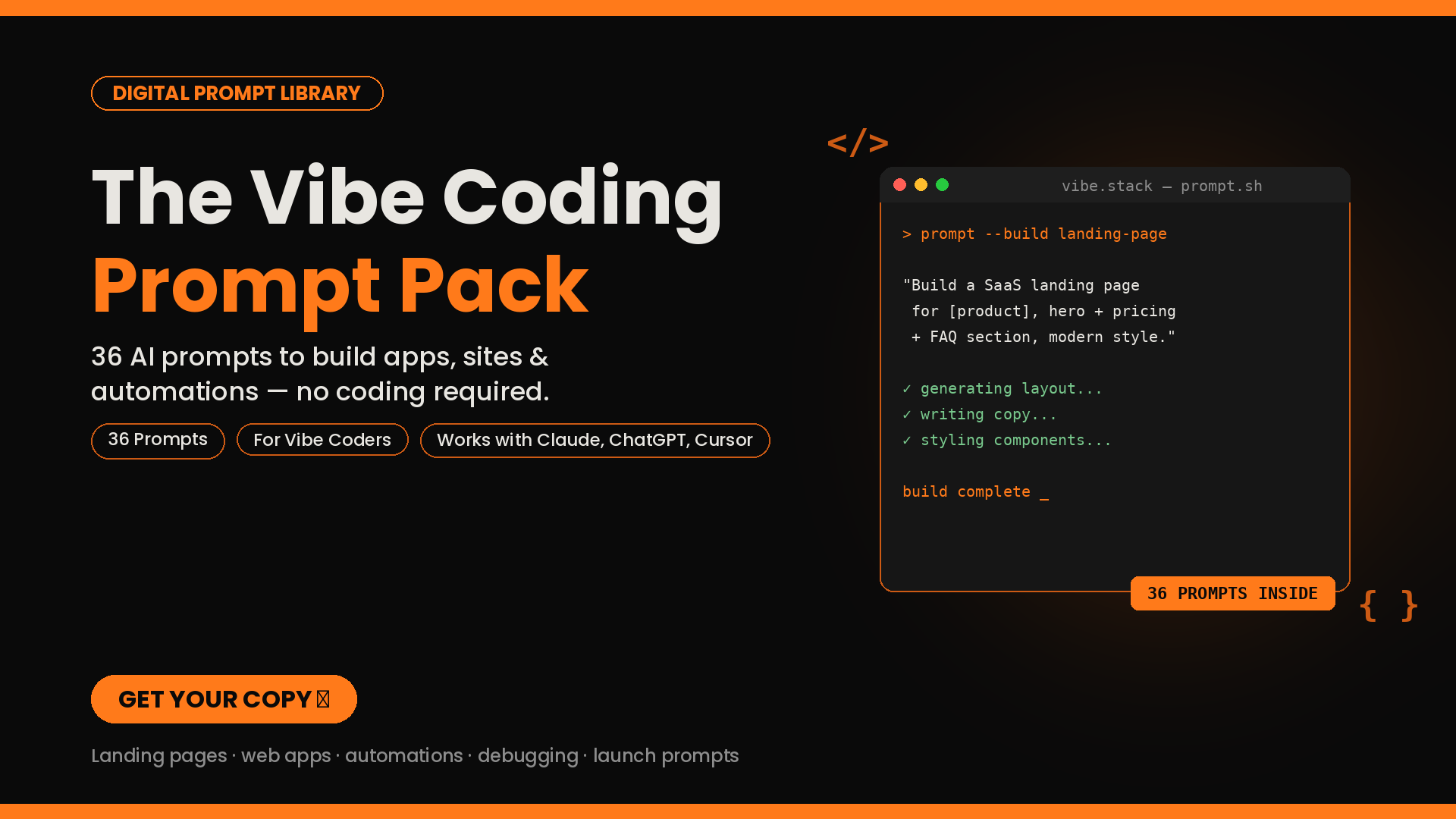
The Vibe Coding Prompt Pack — 36 AI Prompts to Build Apps, Sites & Automations

The Vibe Coding Prompt Pack 36 prompts to build real things with AI - no coding background needed You don't need to learn to code to build a landing page, a small app, or an automation anymore you need the right prompt. This pack gives you 36 of them, organized by what you're trying to build: šŸ–„ļø Landing Pages & Websites , product pages, SaaS sites, portfolios, waitlists šŸ› ļø Web Apps & Tools , to-do lists, habit trackers, mini-CRMs, budget tools āš™ļø Automations & Scripts , file organizing, content repurposing, data cleanup šŸ› Debug & Improve - the prompts you'll actually need most, since nothing's perfect first try šŸŽØ Design & UI Polish , turn "functional" into "looks premium" šŸš€ Ship It - deploy, write your README, and announce your launch Every prompt is built to paste directly into Claude, ChatGPT, Cursor, v0, Bolt, or Replit just swap in the bracketed details for your project. Bonus: a short section on what actually makes AI prompts work better, so you're not just copying you're learning to prompt for yourself. šŸ“„ 13-page instant PDF download

$19.00
Digital

The Creator's Mind Reset Course

A guided journal for creators who love the craft but are tired of the mental weight that comes with posting. 6 chapters + a weekly reset ritual to protect your mind while you build your work.

$5.00
Digital

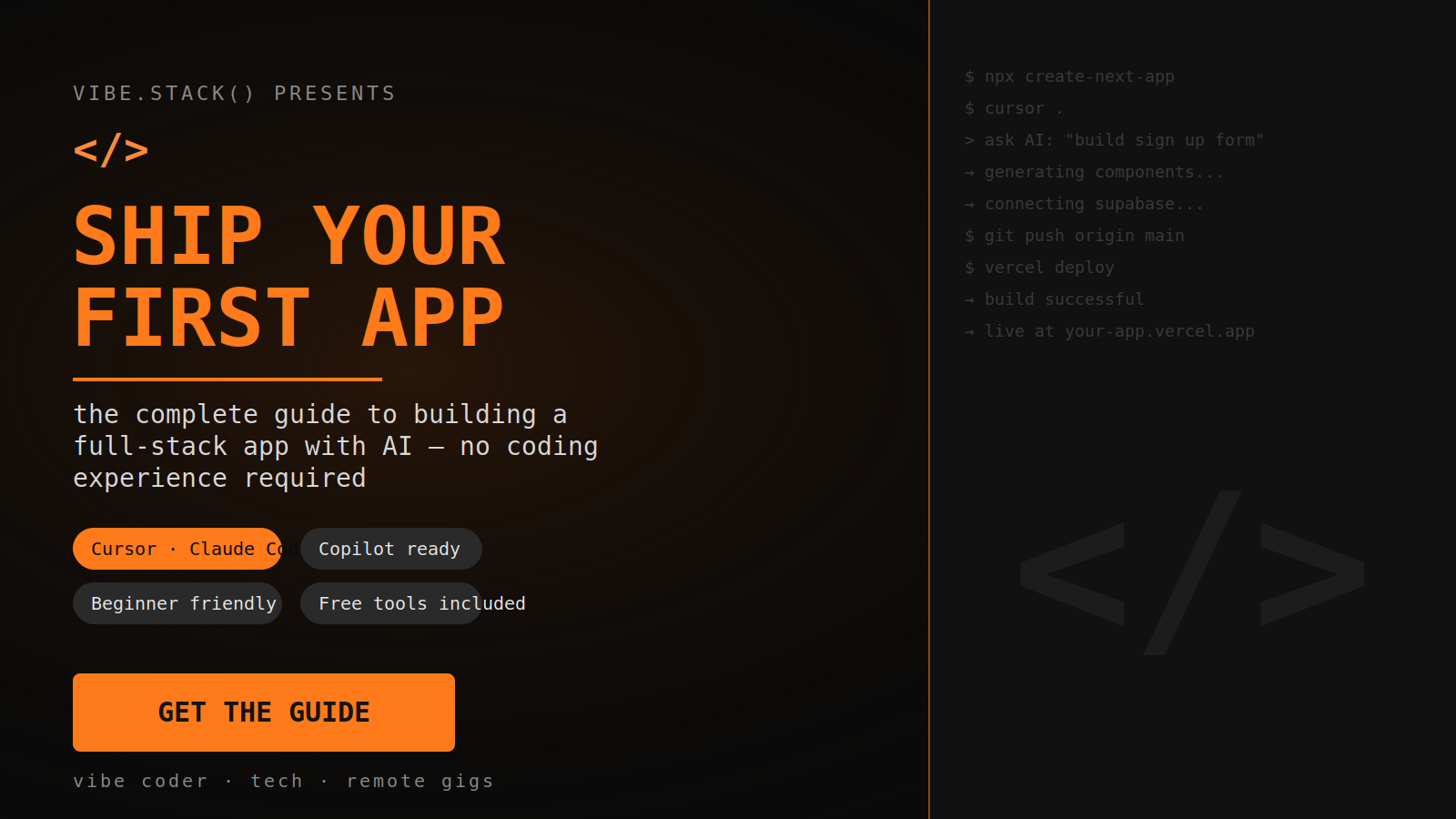
Ship Your First App - The Complete Guide

Go from zero coding experience to a live, working app - using AI as your build partner, not a mystery box. Ever tried to learn to code and gave up somewhere between "hello world" and a wall of red error messages? That's not a you problem. That's an outdated-method problem. AI coding assistants changed the game - but nobody handed beginners an actual manual for using them properly. Most people either avoid AI tools out of intimidation, or use them wrong: no plan, no structure, just typing "build me an app" and hoping for magic. Then wondering why it falls apart on step two. This guide fixes that. "Ship Your First App" is a beginner-first, no-fluff walkthrough that teaches you how to plan, build, debug, and deploy a real full-stack app - with Cursor, Claude Code, and GitHub Copilot doing the technical heavy lifting, and you learning the one skill that actually matters: how to direct them. What you'll walk away with: āœ… A working, live app you built yourself - with a real link you can share āœ… A repeatable process you can use to build your next app, and the one after that āœ… A full prompt library you'll reuse for every future project āœ… Zero wasted money - every tool in this guide has a free tier that's enough to finish āœ… The confidence to actually open a code editor without panicking Inside the guide: Ch 1–2: What "full-stack" actually means, and the exact AI toolkit to use (free vs. paid, side by side) Ch 3: Full workspace setup, start to finish Ch 4: How to plan your app before touching AI, so it builds the right thing the first time Ch 5–7: Building your frontend, backend, database, and connecting it all together Ch 8: How to debug like a professional developer (this alone will save you hours) Ch 9: Deploying your app live - for free Ch 10 + Bonus: What to do after you ship, plus a full copy-paste prompt cheat sheet Who this is for: Total beginners. No coding background required. If you can use a laptop and follow instructions, you can finish this. Who this is NOT for: People looking for a "get rich quick" shortcut with no effort involved. This is a real process - just a much faster, more forgiving one than the traditional path. Stop watching tutorials. Start shipping. šŸ“„ Instant digital download - start today. Want me to also write a short-form version for a product thumbnail/pin, or an FAQ block (refunds, skill level, time commitment) to round out the shop page?

$39.00

Stay updated with new products

Powered by Atisah